The Magic of AI Storytelling
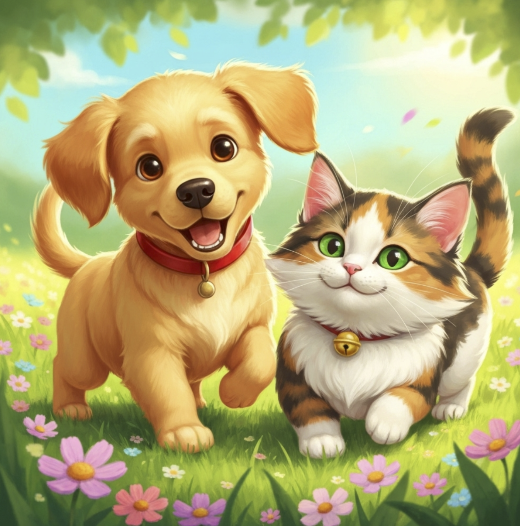
Creating a children's book used to take months of writing and expensive hiring of illustrators. With AI, you can generate heartwarming stories and consistent, studio-quality artwork in a single afternoon.
Pro Tip: Consistency is key. Our AI tool ensures your main character looks the same on Page 1 as they do on Page 20—a crucial feature for professional books.
Step-by-Step: Creating Your Story Book
Choose a theme and art style
Decide on the core message (e.g., "Overcoming Fear of the Dark") and the visual vibe. You can select styles like "Watercolor," "Disney-Pixar 3D," or "Vintage Hand-Drawn."
Review story outline
The AI will generate a scene-by-scene outline. Review the plot points to ensure the story flows logically and has a satisfying ending before generating full text.
Generate images with AI
Click "Generate." Our specialized Story Engine creates the illustrations for each scene. It remembers character details (like "blue hat," "red scarf") to maintain consistency.
Select pages and choose a page layout
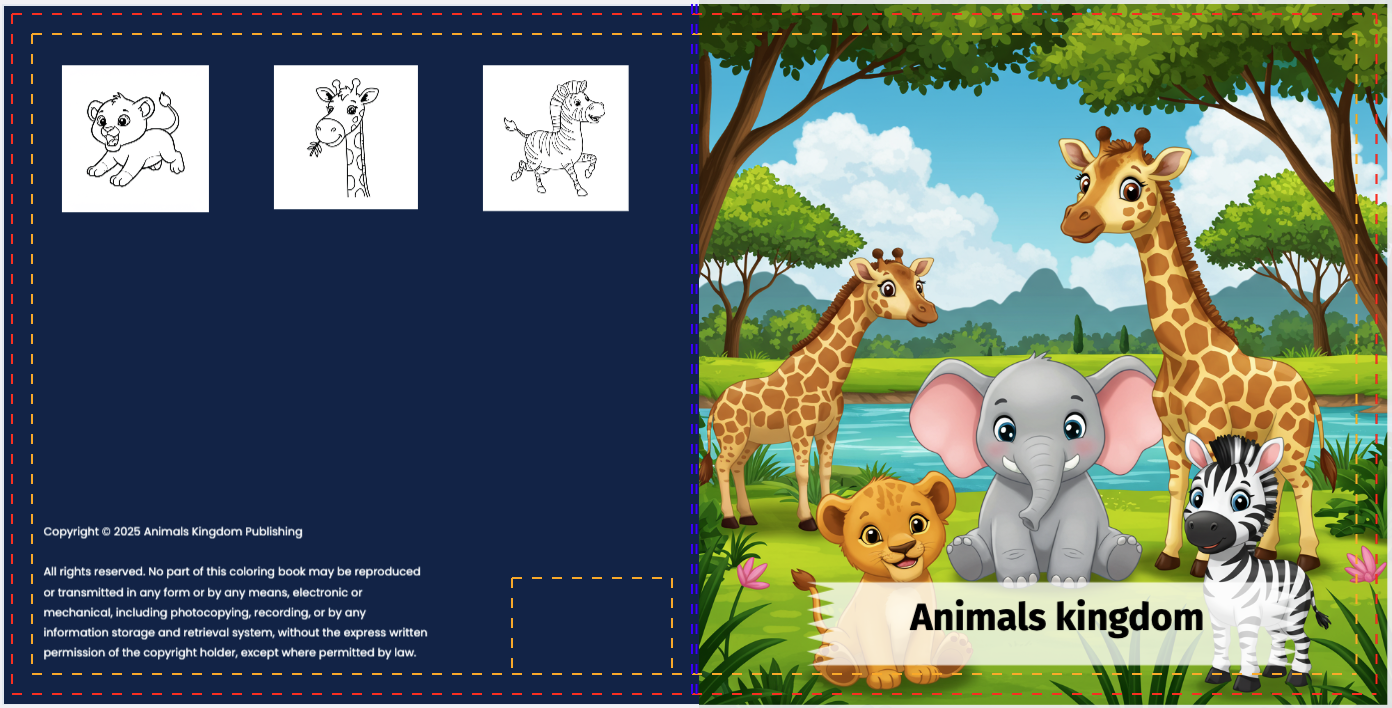
Assemble your book. Choose from various layouts, such as full-page bleed images with text overlay, or traditional picture book layouts with text on one side and art on the other.
Download
Export your masterpiece. You'll get a high-resolution PDF formatted for KDP standard sizes (like 8.5" x 8.5" Square), ready to upload.
Ready to Build Your Book?
See how our AI writes and illustrates stories in seconds.
See Tool in ActionFrequently Asked Questions
Do I own the characters?
Yes. You own full commercial rights to the stories and character designs generated by our platform.
What trim size should I use?
The most popular size for children's picture books on Amazon KDP is 8.5" x 8.5" (Square). It's great for full-page illustrations.
Can I edit the text?
Absolutely. You can manually edit any part of the story text to add your own personal touch before downloading.