Why Coloring Books are Evergreen
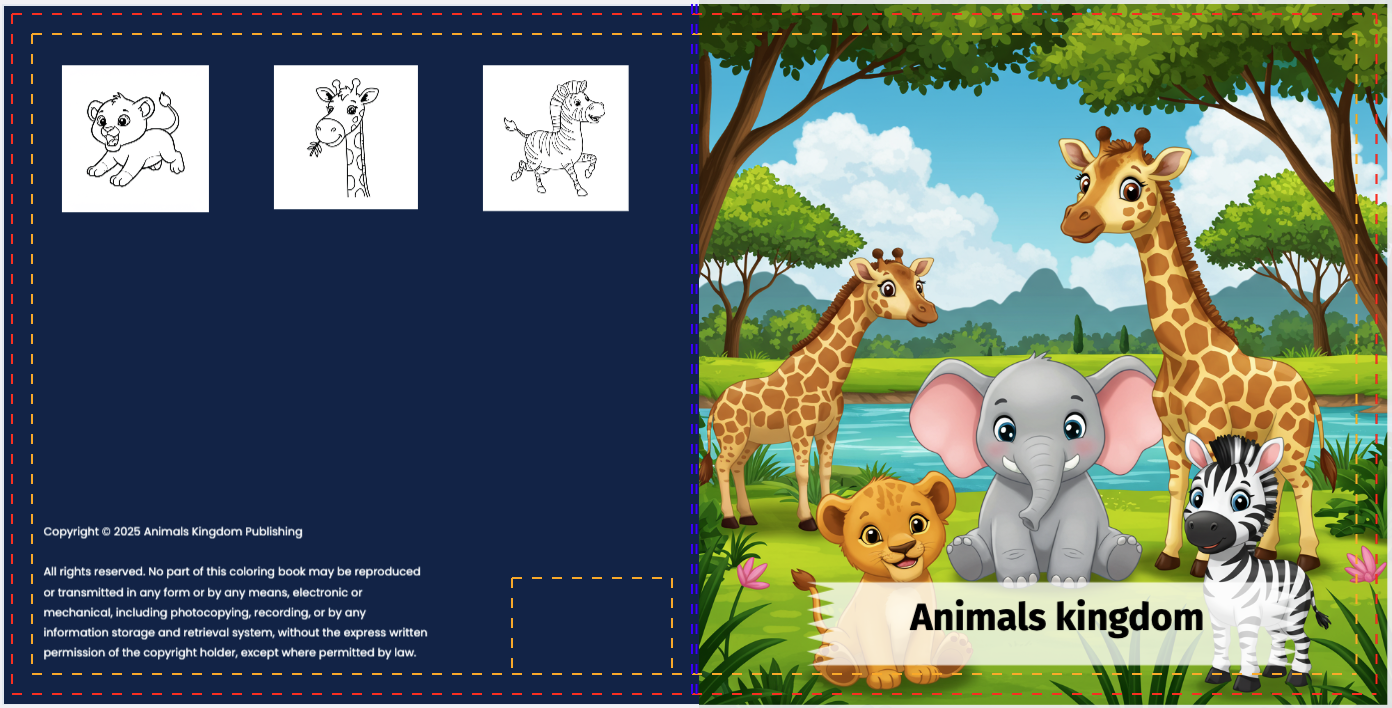
Coloring books are a massive market on Amazon, appealing to both children (for learning/fun) and adults (for stress relief/mindfulness). The key to success is creating a unique, cohesive theme that stands out.
Pro Tip: Specificity sells. Instead of "Animal Coloring Book," try "Steampunk Animals" or "Kawaii Food Characters."
Step-by-Step: Creating Your Coloring Book
Choose a theme
Start with a strong concept. Whether it's "Underwater Cities," "Dinosaurs in Space," or "Floral Mandalas," defining your theme helps the AI understand the style you want.
Confirm outline
BooksGenie will propose a list of page ideas based on your theme (e.g., "Page 1: T-Rex floating in zero gravity"). Review and edit this outline to ensure every page will be exciting.
Generate images with AI
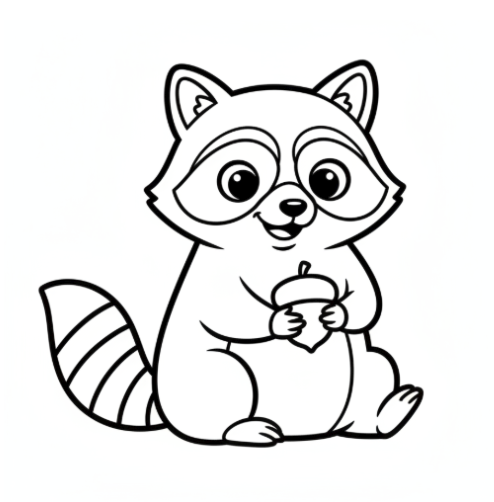
Click "Generate." Our specialized AI engine creates high-quality, black-and-white line art optimized for coloring. It ensures clean lines and appropriate complexity for your target age group.
Select pages and choose a page layout
Review your generated images. Select the best ones, delete any you don't like, and choose your layout (e.g., single-sided to prevent bleed-through, framed borders, or full-page bleed).
Download
Export your book as a print-ready PDF. The file comes perfectly sized with high-resolution images (300 DPI) ready for immediate upload to Amazon KDP.
Ready to Build Your Book?
See how our AI generates professional coloring pages in seconds.
See Tool in ActionFrequently Asked Questions
Are the images copyright free?
Yes. All images generated by BooksGenie are unique to you and come with full commercial rights for use on Amazon KDP.
Can I control the complexity?
Yes. You can specify whether the book is for "Kids" (simple, bold lines) or "Adults" (intricate, detailed patterns) in the theme settings.
What is the best paper size?
8.5" x 11" is the industry standard for coloring books. It gives the user maximum space to color.