Why Word Search Books Are a Staple
Word Search puzzles have a massive, broad appeal ranging from educational books for kids to "Large Print" books for seniors. They are easy to consume and highly addictive.
Pro Tip: Focus on "Large Print" (16pt+ font) niches. The senior market for word search books on Amazon is huge and constantly looking for new themes.
Step-by-Step: Creating Your Word Search Book
Choose a theme or upload your own list of words
Start with a clear theme (e.g., "Positive Affirmations" or "50 States"). Use our AI to generate word lists instantly, or paste your own list to create a completely custom puzzle.
- Vocabulary Building: Great for kids/educational niches.
- Relaxation: Great for adult stress-relief niches.
Select the pages where to add puzzles
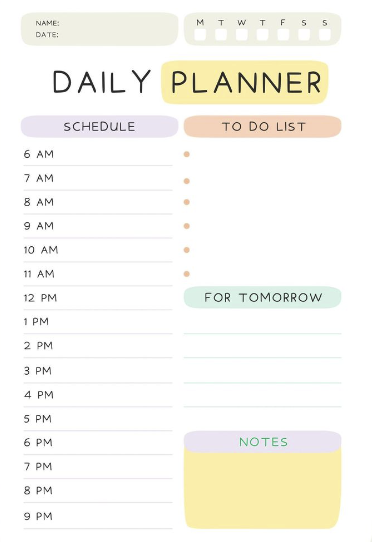
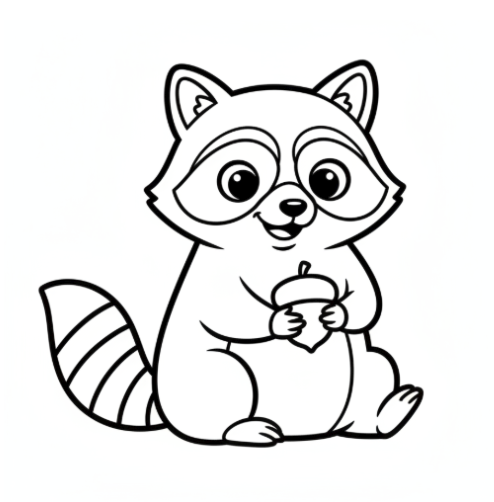
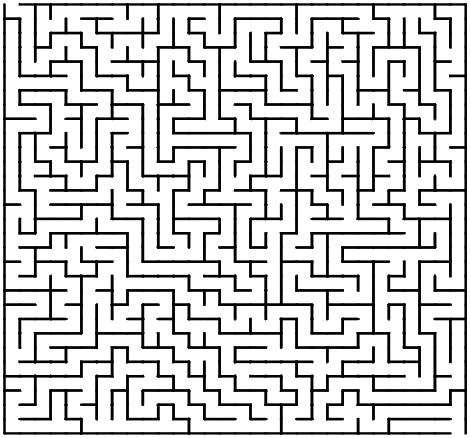
Map out your book. You can mix puzzle pages with coloring pages or quotes to create a "Activity Book" hybrid, which adds value.
Select the pages where to place the solutions
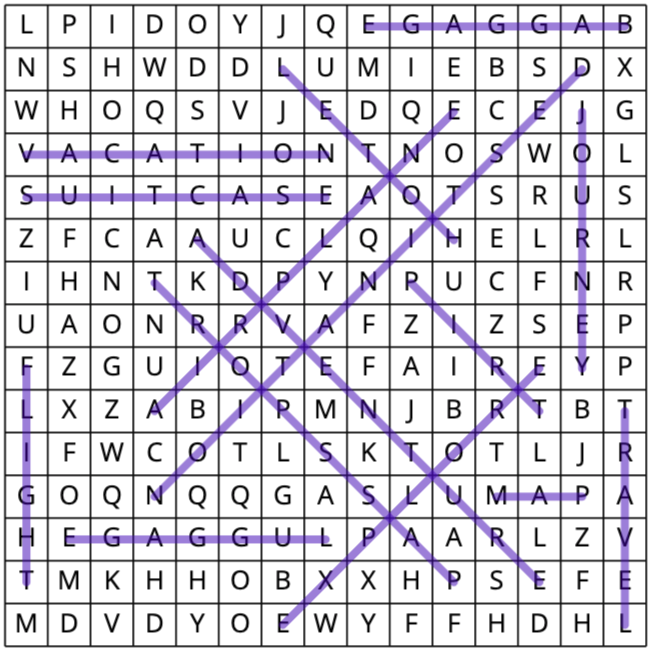
BooksGenie automatically generates solution pages with the found words highlighted. Standard practice is to fit 4 solutions per page at the back of the book.
Customize the pages and puzzles
Optionally you can adjust all aspects such as colors, fonts, and choose your grid size (e.g., 15x15 vs 20x20).
Generate and download
Click "Generate." The AI hides your words within a grid of random letters, ensures no accidental inappropriate words are formed, and builds your print-ready PDF.
Ready to Build Your Book?
See how our AI generates themed word searches in seconds.
See Tool in ActionFrequently Asked Questions
Can I adjust the difficulty level?
Yes! You can toggle diagonal and reverse word directions on or off to make puzzles easier for kids or harder for adults.
How many words can fit in one puzzle?
It depends on the grid size (e.g., 15x15), but typically 15-20 words is a good standard for a legible page.
Does it include solutions?
Yes, every word search generated includes a corresponding solution page automatically added to your desired page.