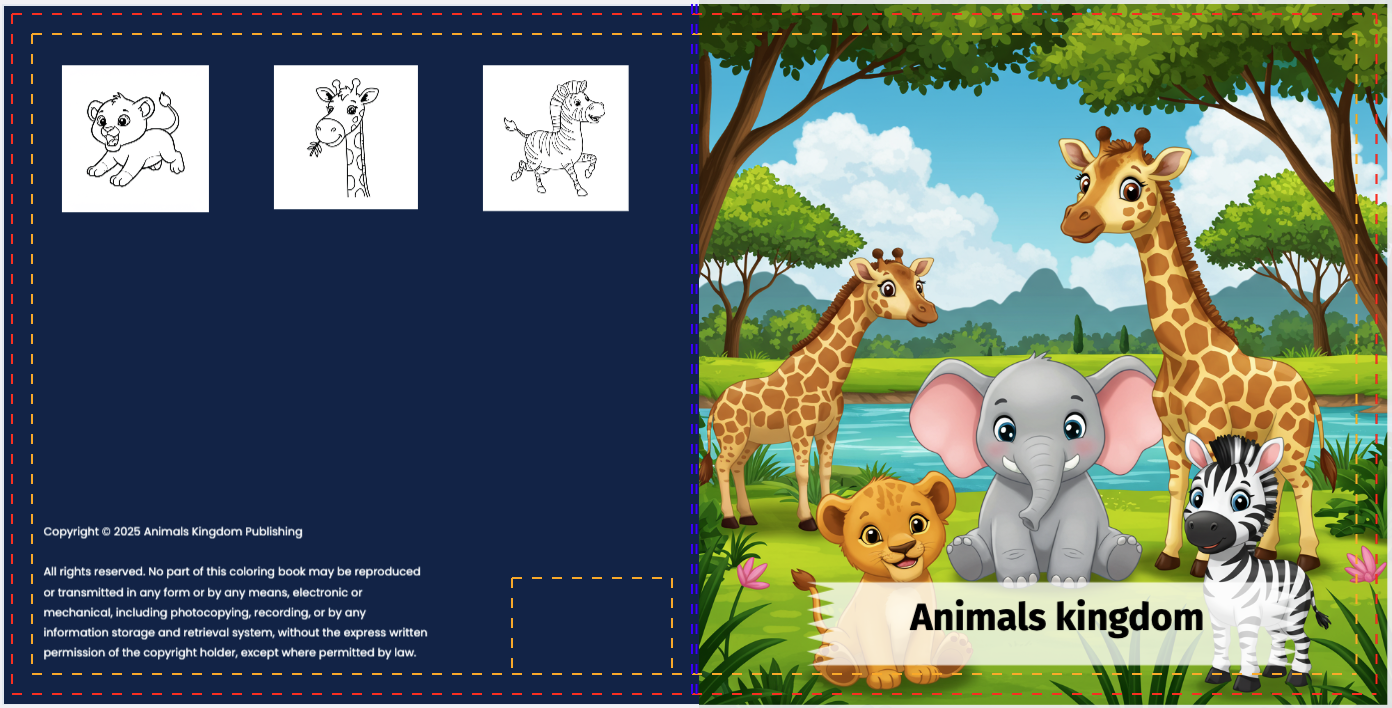
Don't Judge a Book by its Cover? Buyers Do.
Your cover is your #1 marketing asset. On Amazon, a professional cover increases click-through rates (CTR) by over 300%. The challenge isn't just the art—it's the technical formatting (bleeds, spine width, safety zones) which BooksGenie automates for you.
Pro Tip: Ensure your Title Text is large and high-contrast. Most users browse Amazon on mobile phones, so your title must be readable in a tiny thumbnail.
Step-by-Step: Designing Your Cover
Cover Size
Our tool automatically calculates the exact cover size, provides margin guides, including spine width based on Amazon's paper weight, ensuring your text fits perfectly on the spine.
Design or Upload Artwork
AI Generation: Describe your scene (e.g., "Minimalist mountain landscape at
sunset") and get a unique, high-res image.
Design: You can design your cover completely in our editor and tool set,
using 1.5k fonts, 5M+ images and different tools and effects.
Upload: Have your own art? Upload it and snap it to the bleed lines
instantly.
Typography and Title Layout
Choose fonts that match your genre (e.g., Serif for Romance, Sans-Serif for Tech). Drag and drop your Title and Author Name. Use shadows or outlines to make the text pop against the background.
Design the Spine and Back
Don't neglect the back! Add a compelling blurb (book description) and leave space for the ISBN barcode (BooksGenie shows you exactly where the barcode will go).
Download
Export your cover as a "Print-Ready PDF." This file combines the front, spine, and back cover into a single wrap-around image that KDP accepts without errors.
Frequently Asked Questions
How do I know the correct spine width?
You don't need to calculate it manually. BooksGenie, adjusts the spine width automatically to KDP's precise specs.
What format does KDP require?
KDP requires a single PDF file containing the full wrap-around cover (Back + Spine + Front). Our tool exports exactly this format.
Can I start with a template?
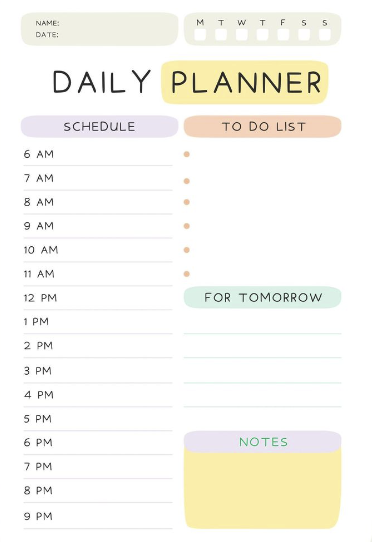
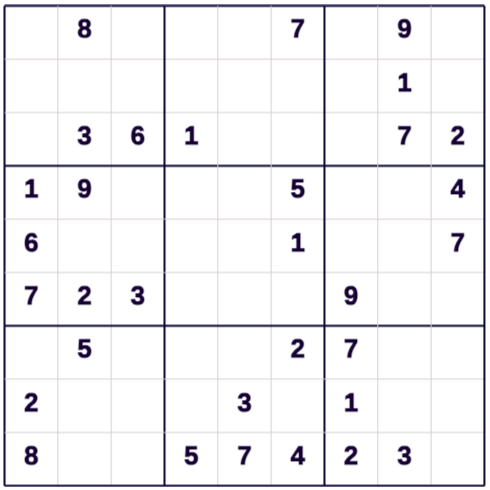
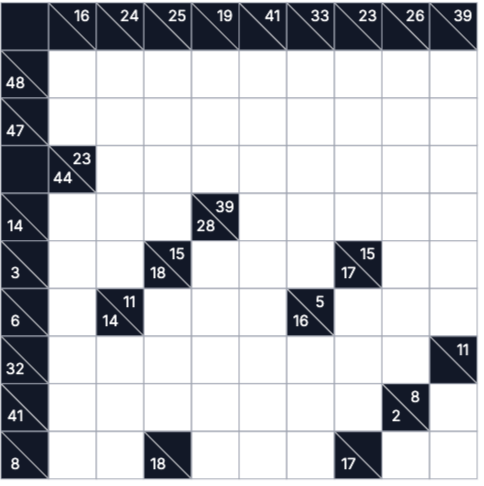
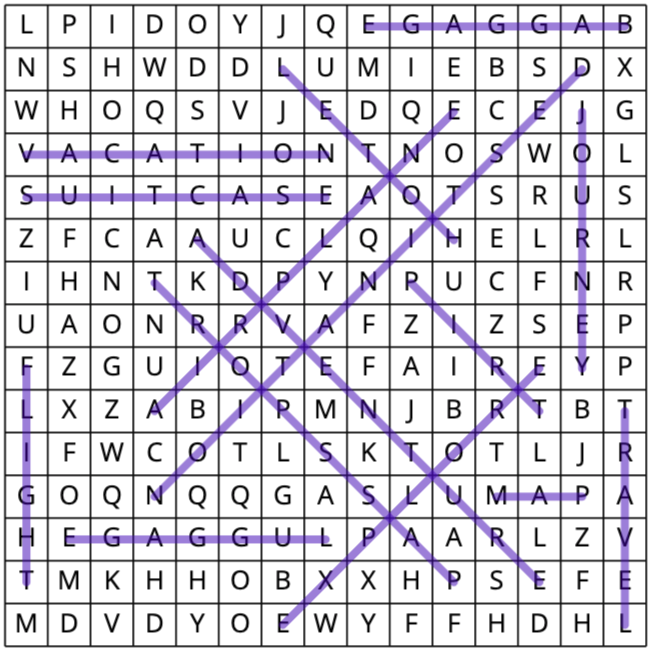
Yes! We offer dozens of pre-made templates for genres like "Cookbooks," "Activity Books," and "Journals" to get you started fast.